Kiel
 Kiel, 독일
Real-Time Environment
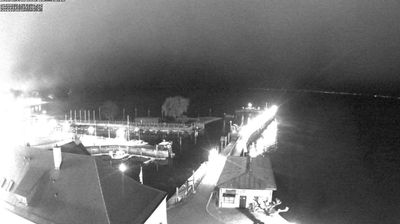
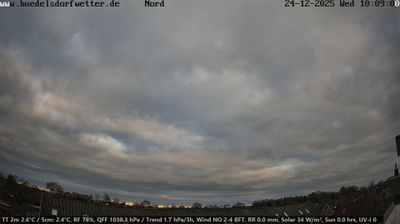
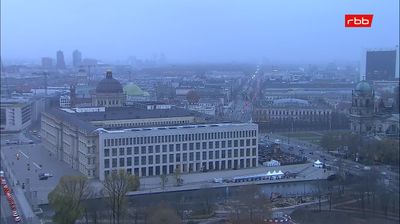
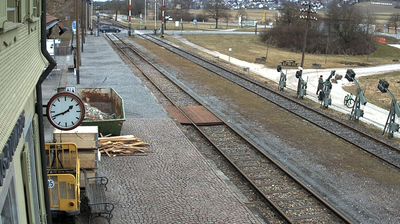
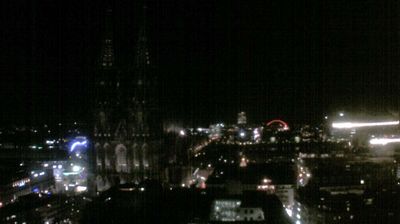
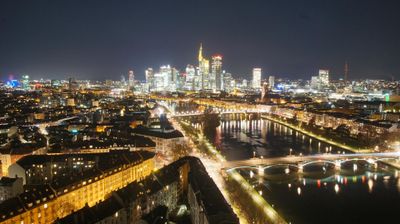
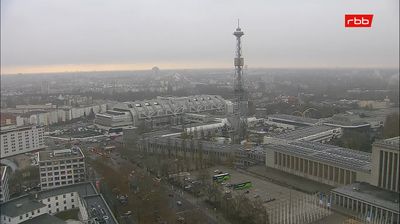
Welcome to the live streaming webcam for Kiel, perfectly situated in the vibrant region of Kiel, 독일. Watching this live camera allows you to instantly experience the local atmosphere and monitor current climate conditions.

About Kiel
Kiel is the capital and most populous city in the northern German state of Schleswig-Holstein. With a population of around 250,000, it is Germany's largest city on the Baltic Sea. It is located on the Kieler Förde inlet of the Bay of Kiel and lies in the southeast of the Jutland Peninsula, on the mouth of the Schwentine River, approximately 90 kilometres (56 mi) northeast of Hamburg. The world's busiest artificial waterway, the Kiel Canal, has a terminus in Kiel's Holtenau district. This canal connects the Baltic to the North Sea, with its other end in Brunsbüttel. Most of Kiel is part of Holstein. The boroughs north of the Schwentine also belong to Wagria, while those north of the Kiel Canal are historically part of Southern Schleswig.
📖 Read more on Wikipedia📍 Location Facts
-
Country
 독일
독일
- Region 슐레스비히홀슈타인 주
- City Kiel
- Coordinates 54.3034°N, 10.1596°E
Have you been to Kiel?
Help the community! Share your experience, tell us about the weather, or upload your own photos from this exact location.