 Live Webcams in Big Bear City
Explore live streaming views from Big Bear City, . Check current weather conditions, traffic, and beautiful local spots.
Latest Cameras
24 streams found


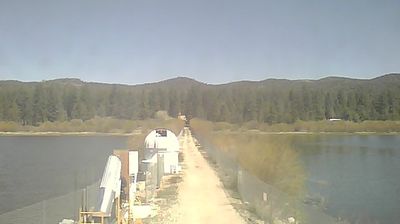
Virtual Travel to Big Bear City
Whether you are planning a real-world visit or just digital globe-trotting, the live webcams in Big Bear City offer an unfiltered glimpse into daily life. Watch the sunrise, check the local traffic before your commute, or simply enjoy the urban and natural landscapes that make this location unique. Bookmark this page to easily return and check the live weather conditions anytime.

About Big Bear City, California
Big Bear City is an unincorporated community and census-designated place in San Bernardino County, California, United States along the east shore of Big Bear Lake and surrounded by the San Bernardino National Forest. It is 27 miles (43 km) northeast of the city of San Bernardino, and immediately east of the incorporated city of Big Bear Lake. Its population was 12,738 at the 2020 census, up from 12,304 at the 2010 census. Big Bear City is mostly residential, with smaller houses and cabins laid out in typical square block fashion. Big Bear is on the Pacific Crest Trail.
📖 Read more on Wikipedia