 Live Webcams in Hoorn
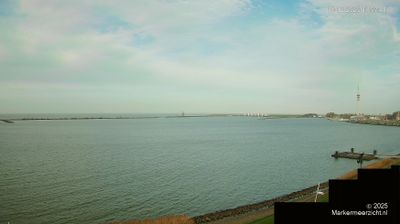
Explore live streaming views from Hoorn, . Check current weather conditions, traffic, and beautiful local spots.
Latest Cameras
24 streams found





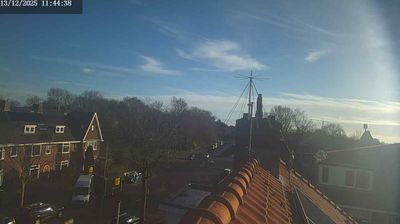
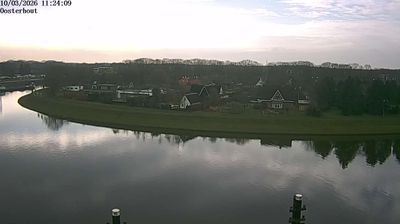
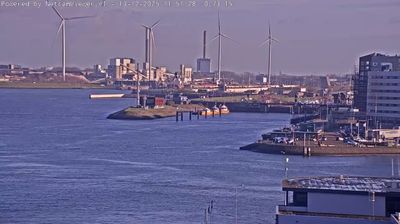
Virtual Travel to Hoorn
Whether you are planning a real-world visit or just digital globe-trotting, the live webcams in Hoorn offer an unfiltered glimpse into daily life. Watch the sunrise, check the local traffic before your commute, or simply enjoy the urban and natural landscapes that make this location unique. Bookmark this page to easily return and check the live weather conditions anytime.

About Hoorn
Hoorn is a city and municipality in the northwest of the Netherlands, in the province of North Holland. It is the largest town and the traditional capital of the region of West Friesland. Hoorn is located on the Markermeer, 20 kilometers (12 mi) east of Alkmaar and 35 kilometers (22 mi) north of Amsterdam. The municipality has just over 75,000 inhabitants and a land area of 20.38 km2 (7.87 sq mi), making it the third most densely populated municipality in North Holland after Haarlem and Amsterdam. Apart from the city of Hoorn, the municipality includes the villages of Blokker and Zwaag, as well as parts of the hamlets De Bangert, De Hulk and Munnickaij.
📖 Read more on Wikipedia