Kłobuck
 Kłobuck, 폴란드
Real-Time Environment
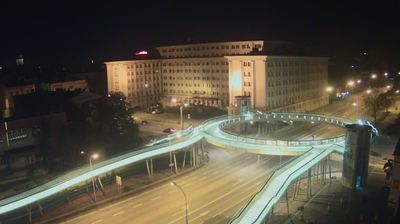
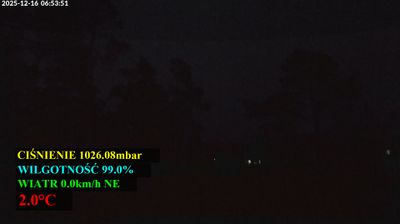
Welcome to the live streaming webcam for Kłobuck, perfectly situated in the vibrant region of Kłobuck, 폴란드. Watching this live camera allows you to instantly experience the local atmosphere and monitor current climate conditions.

About Kłobuck
Kłobuck is a town in southern Poland, with 12,934 inhabitants (2019). Located in the Silesian Voivodeship, about 15 km (9 mi) northwest of Częstochowa, it is the capital of Kłobuck County. Historically, Kłobuck belongs to Lesser Poland, and is located in its extreme northwestern corner, near the border with two other Polish historical provinces – Greater Poland, and Silesia. The town lies among the hills of Lesser Poland Upland. Most of Kłobuck lies 240 to 260 metres above sea level, and the highest point within town's limits is Dębowa Góra. Kłobuck has the area of 47 km2 (18 sq mi), with forests taking up 20%.
📖 Read more on Wikipedia📍 Location Facts
-
Country
 폴란드
폴란드
- Region 실롱스크 주
- City Kłobuck
- Coordinates 50.9025°N, 18.9371°E
Have you been to Kłobuck?
Help the community! Share your experience, tell us about the weather, or upload your own photos from this exact location.