นครศรีธรรมราช
 นครศรีธรรมราช, 태국
Real-Time Environment
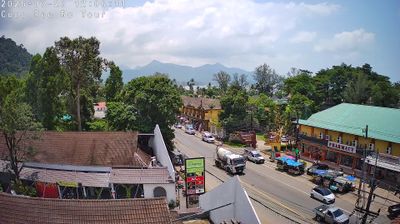
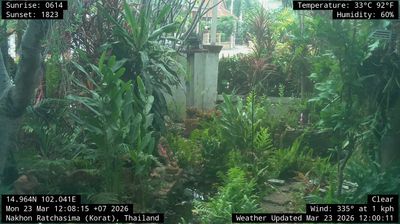
Welcome to the live streaming webcam for นครศรีธรรมราช, perfectly situated in the vibrant region of นครศรีธรรมราช, 태국. Watching this live camera allows you to instantly experience the local atmosphere and monitor current climate conditions.

About Nakhon Si Thammarat
Nakhon Si Thammarat is a city municipality located in Mueang Nakhon Si Thammarat, the capital of Nakhon Si Thammarat Province. Nakhon Si Thammarat Province is situated in the South of Thailand. It is about 610 km (380 mi) south of Bangkok, on the east coast of the Malay Peninsula. The city was the administrative centre of Southern Thailand during most of its history. Originally, a coastal city, silting moved the coastline away from the city. The city has a much larger north to south extension than west to east, which dates back to its original location on a flood-save dune. The modern city centre on the train station is north of Old Town. As of 2019, the city had a population of 102,152.
📖 Read more on Wikipedia📍 Location Facts
-
Country
 태국
태국
- Region 나콘시탐마랏 주
- City นครศรีธรรมราช
- Coordinates 8.4333°N, 99.9510°E
Have you been to นครศรีธรรมราช?
Help the community! Share your experience, tell us about the weather, or upload your own photos from this exact location.