Gyöngyös: Mátraháza -> Mátrafüred
 Gyöngyös, 헝가리
Real-Time Environment
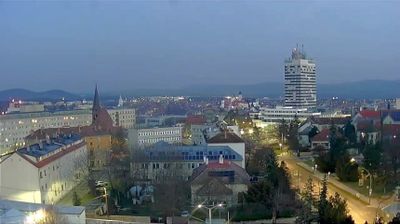
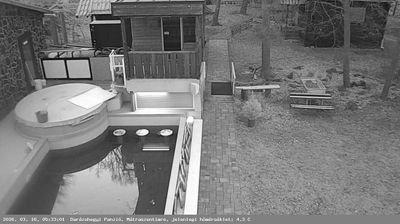
Welcome to the live streaming webcam for Gyöngyös: Mátraháza -> Mátrafüred, perfectly situated in the vibrant region of Gyöngyös, 헝가리. Watching this live camera allows you to instantly experience the local atmosphere and monitor current climate conditions.

About Gyöngyös
Gyöngyös is a town in Heves County, Hungary, beside of the Gyöngyös creek, under the Mátra mountain ranges. As of 2022 census, it has a population of 27,957. The town is located 8.4 km from the M3 motorway and 80.8 km from Budapest. Gyöngyös is terminus of the Vámosgyörk–Gyöngyös railway line and the main road 3 lead across the town. Gyöngyös have a train station and a stop on the standard-gauge railway line and the two narrow-gauge railway lines of the Gyöngyös State Forest Railway also start from here to the mountains for tourist purposes.
📖 Read more on Wikipedia📍 Location Facts
-
Country
 헝가리
헝가리
- Region Alföld és Észak
- City Gyöngyös
- Coordinates 47.8682°N, 19.9780°E
Have you been to Gyöngyös?
Help the community! Share your experience, tell us about the weather, or upload your own photos from this exact location.